Solution
インシリコバイオロジー社のソフトウェアを使用して実現できる先進的かつユニークなソリューションを多数掲載しています。このソリューション記述においては製品を特定しません。どのような課題に対して、主としてインシリコバイオロジー社の製品がどのような解決方法を提供できるかを述べています。したがって、あるソリューションについては、1つの製品ではなく、外部ソフトウェアあるいは手作業を含めた総合的な解決方法を記述しています。
Subcategories
- IMC is a sequence analysis software based on a new concept in the genome era.
- Operations along the central dogma of molecular biology is realized.
- Based on the genome base sequence, it is possible to perform various analyzes
- IMC is a new era software based on the top-down approach of "first with genomic base sequence".
- IMC has plenty of unique customization functions for each user.
- IMC can be used for assisting and simulating molecular biology experiments.
- IMC can be used sufficiently not only for research purposes but also as software for education and learning of molecular biology.
- in silico cloning experiment is possible.
- IMC will help you to understand invisible molecular biology experiments.
- Because it is original development, we promptly reflect the requests of researchers and realize frequent improvement and function addition.
- IMC works on Windows and Mac that researchers and students use on a daily basis.
|
- How to Install IMC
- Acquisition and Renewal of License
- How to Launch IMC
- How to Terminate IMC
- Check and Download the Latest Version
- Reading and Saving Sequence Files
- Basic Operation of Feature Map
- Download Help
- Help Operation
- Collect Information from the ISB HP
- How to Use Forum
|
 |
- Window Composition
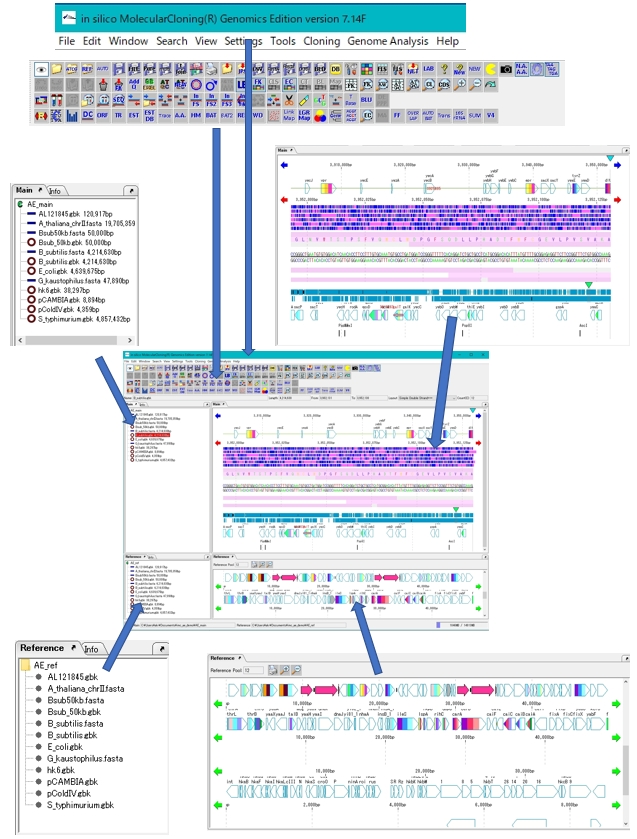
- Main Window Names and functions of each part
- Creation and Switching the Root Directory
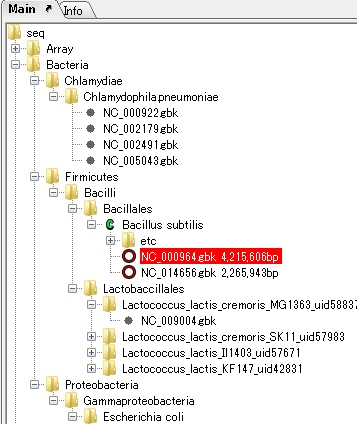
- Hierarchical management of sequence files by directory tree
- Working with Main Sequence Load Directory
- Working with Reference Sequence Load Directory
- Window Operation
- Screen Capture
- Select and Switch Feature Layout Styles
- Menu Bar Operation
- Button Toolbox Operation
- Features and Feature Keys
- Operation with Feature Maps
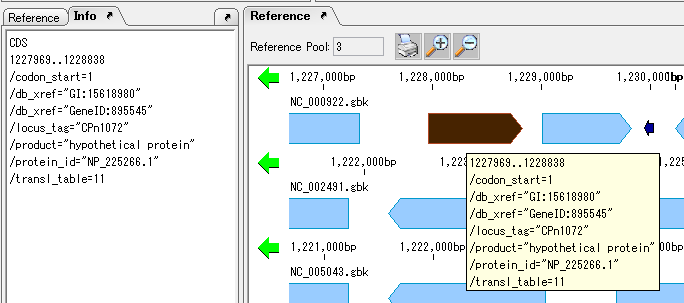
- Operation with Reference Map
- Import and Export
- Loading and Saving of Sequence Files
|
 |
Genome feature map creation / drawing function
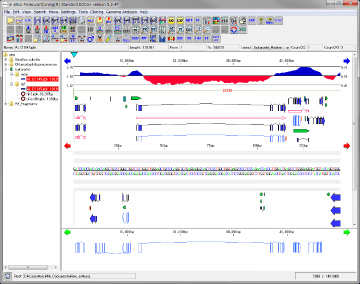
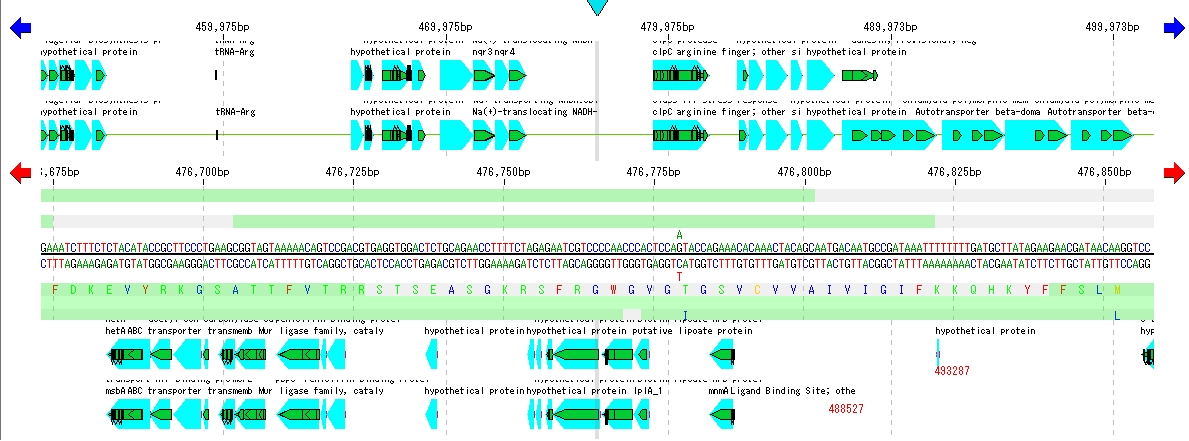
- The feature map of IMC has various customization functions (corresponding to feature layout styles), so that you can draw and print gene maps as you want.
- Creation of gene map (feature map), customization of map (feature arrangement method, shape, color, label)
- Register your own feature key
- Scroll for circular DNA, map drawing
- High speed zoom, scroll, navigation lane
- Linking with GenBank / EMBL format file
- Graph drawing / printing of content map (composition file)
|
This is an operation explanation about the sequence data file, feature data file, optional data file, etc. used in IMC.
| |
- Sequence pattern search (nucleic acids / amino acids), intergenic region search
- Keyword search
- Feature key search
- Homology search
- Search from the base sequence and amino acid sequence of all the features to the database
- Easy creation of search database
- Multiple genome sequences can be searched at the same time
|
|
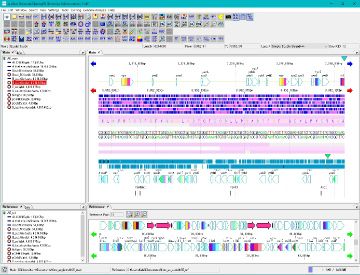
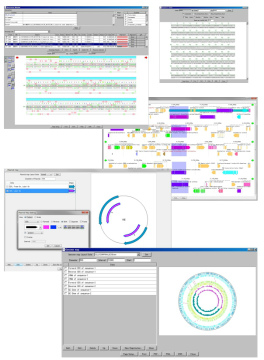
IMC has various display windows as follows.
- GenBank / EMBL viewer
- Sequence Viewer
- Annotation Window
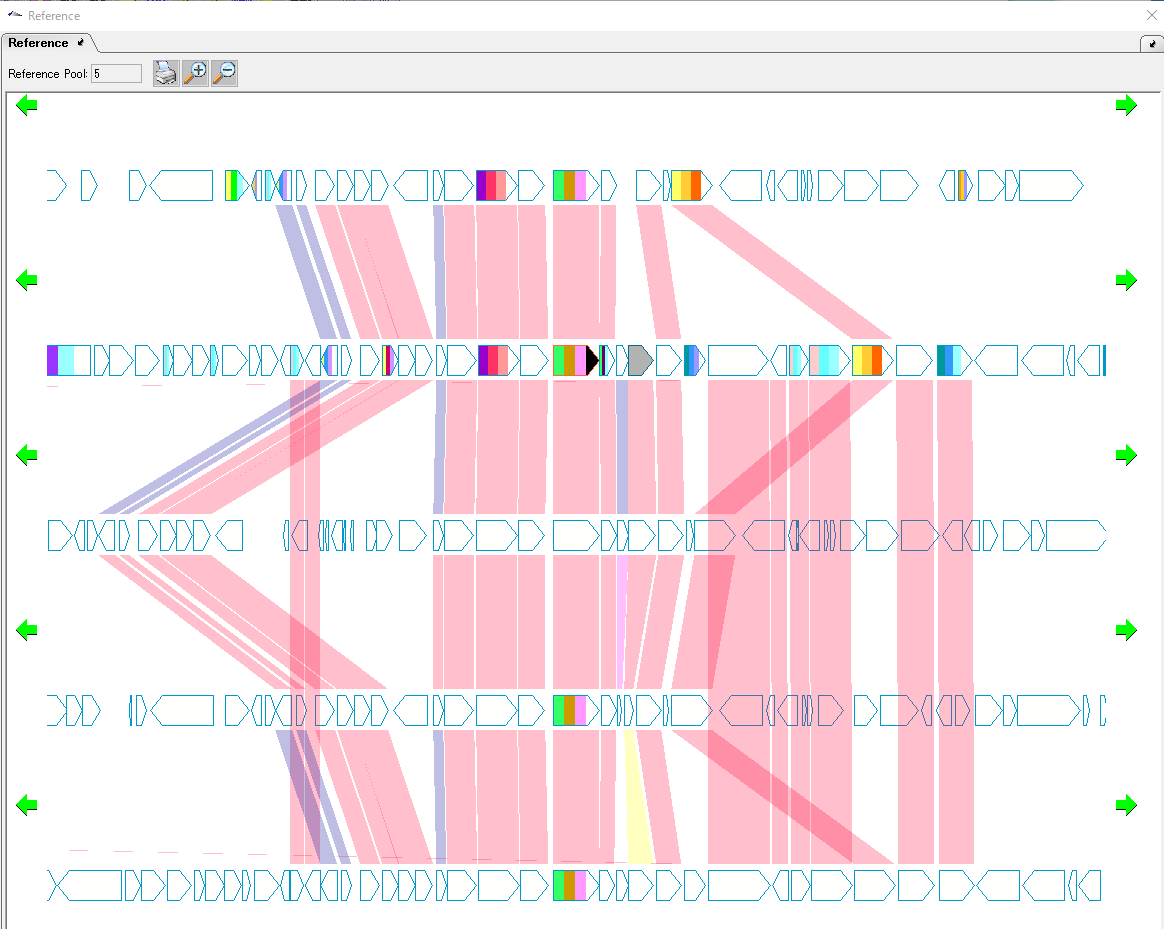
- Multiple Genome Alignment Viewer (Reference Map)
- Circular Genome Viewer · Editor
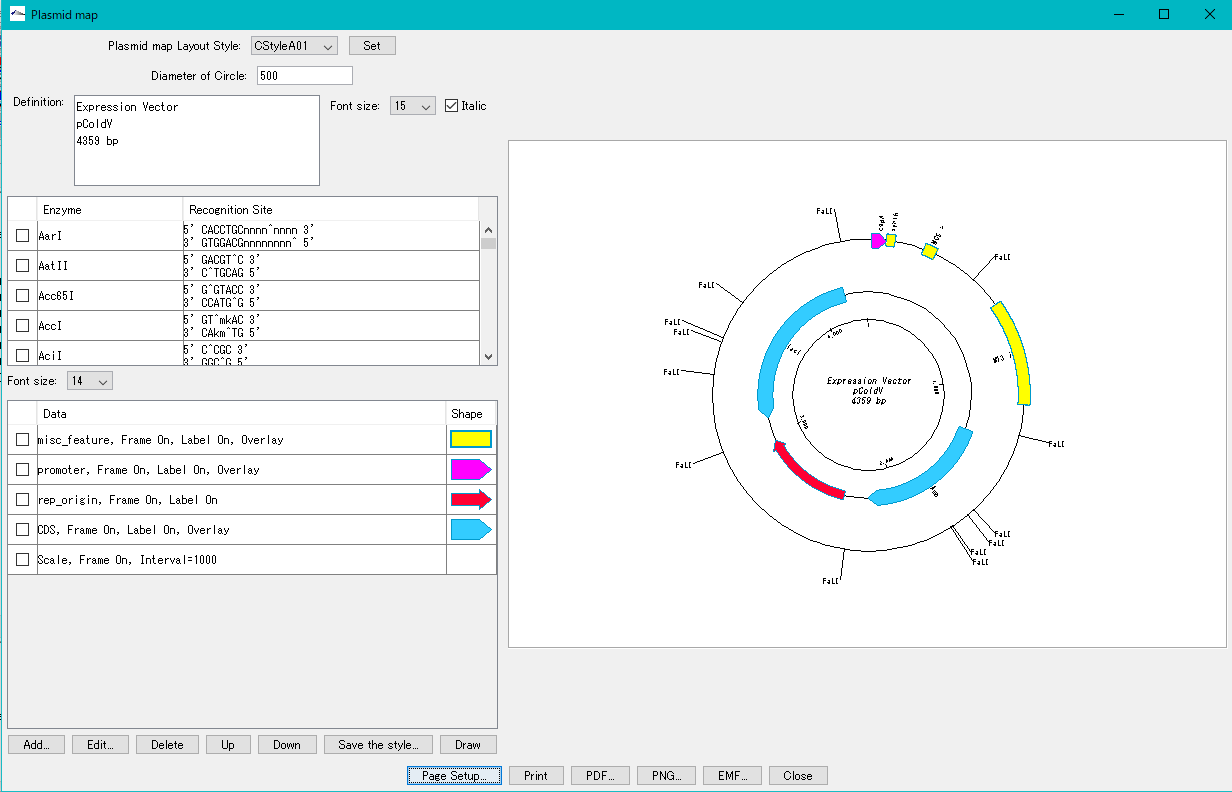
- Plasmid Map Viewer · Editor
- Trace Viewer · Editor
- Phylogenetic Tree Viewer
- Alignment Viewer
- Label and Color Settings
|
 |
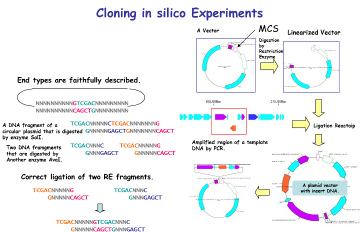
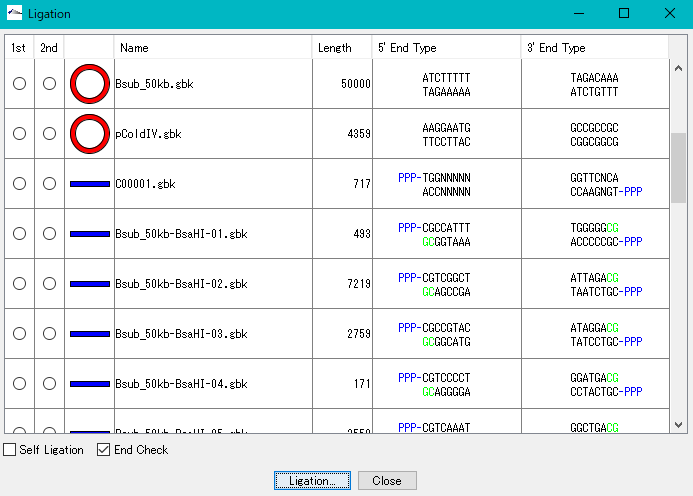
IMC is characterized by being able to perform operations of cloning experiment on computer. At this time, special data is unnecessary, it is possible to clone base sequence data that can be obtained from a public database such as GenBank or EMBL as it is. For cloning, restriction enzyme digestion, PCR primer design, PCR amplification, and ligation can be performed without changing the annotated sequence. All resulting cloning products are output in GenBank / EMBL format. Since Primer information is pasted and stored on the base sequence, it is also useful for Primer management.
- • It is a cloning function that can actually be disconnected / ligated.
- • In silico cloning experiments are possible.
- • It helps to understand invisible molecular biology experiments. It can be used for assisting and simulating molecular biology experiments.
- • You can construct arbitrary Vector / Plasmid.
- • List restriction enzymes that are most suitable for insert checks on Vector and simulate the gel electrophoresis results.
- • Restriction enzyme treatment (restriction enzyme map, restriction enzyme digestion fragment generation, optimal restriction enzyme candidate list for insert check, others)
- • PCR primer design,
- • Primer design to avoid certain features,
- • Replication by PCR (including notes),
- • Batch primer design to amplify all genes,
- • Primer management ligation, self-ligation,
- • Base fragment end shape conformity check
- • Plasmid map creation (insert area blowing function) (corresponding to layout style)
- • Addition of a restriction enzyme recognition site to the cloning DNA end with the annotation described
- • DNA terminal blunting, phosphorylation (dephosphorylation
- • Cutting arbitrary region of annotated base sequence
|
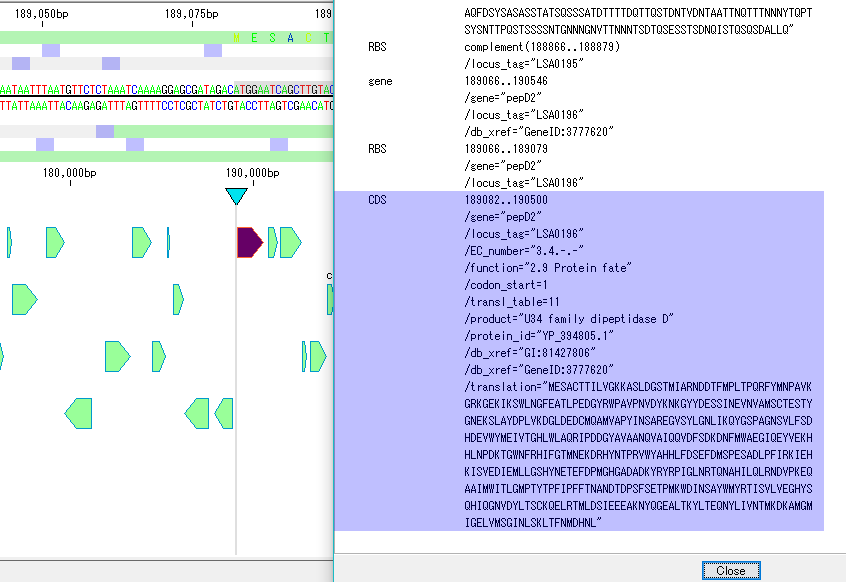
Genome annotation is to add an annotation to the genome, more specifically, to describe the attribute (Qualifier) of the feature identified on the genome sequence.
Feature type is classified as Feature Key. The position of Feature is recorded as Position. By the Position on the genome base sequence, the nucleotide sequence occupied by the Feature can be found. In addition, coding region (CDS) translated into amino acid indirectly holds translated amino acid sequence information via Genetic Code Table. It is also important that features such as CDS are identified on either side of the double helix, and it is usually written using the position operator Complement.
 |
- Multiple genome alignment / feature map
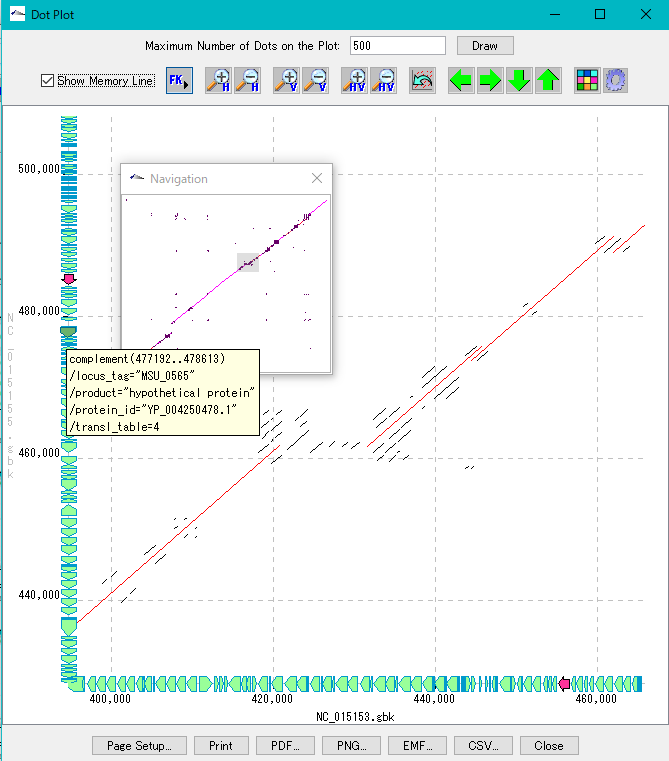
- Homology search between chromosomes
- Feature alignment, gene cluster alignment
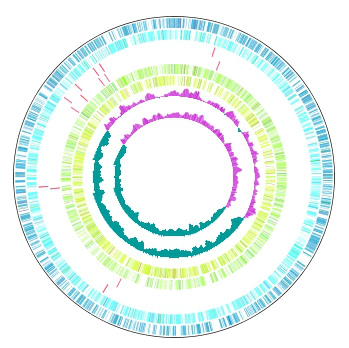
- Circular genome map (corresponding to feature layout style)
- Dot plot
- Global genome rearrangement mapping (global genome rearrangement map)
- Local genome rearrangement mapping (local genome rearrangement map)
- Venn Diagram (Venn Diagram): for ortholog analysis
- Repetitive sequence detection
- Metagenome analysis by 16S rRNA from next generation sequencer
|
| |
- High-precision tiling array data can be browsed and analyzed in conjunction with annotations of genes etc. Affymetrix, Agilent and Nimblegen arrays are supported.
- Array profile parallel display (corresponding to layout style)
- Array data correction, array information statistics (graph creation)
- Array-to-array operation, Save calculation result file
- Probe level - Gene level expression intensity conversion
- Clustering by expression intensity by genes (between genes)
- Profile peak detection
|
Information on large-scale sequencing by NGS and sequencing by conventional capillary sequencer.
Data analysis of NGS can be executed with GenomeTraveler.
Capillary sequencing Data analysis can be performed with IMC.